



You understand the importance of customer engagement in today’s competitive market. Every interaction you have with your customers, from their initial exploration of your products to their post-purchase experience, contributes to their overall perception of your brand. Generic, one-size-fits-all communication strategies are no longer sufficient. Your customers expect relevance and a sense of being understood. This is where the power of crafting personalized customer journeys through SmartMails automation triggers becomes indispensable. By leveraging intelligent automation, you can deliver timely, relevant, and impactful messages that resonate with individual customer needs and behaviors, fostering stronger relationships and driving tangible business outcomes.
Before you can effectively personalize customer journeys, you need to establish a solid understanding of what it entails and the core components that enable it. This isn’t just about adding a customer’s first name to an email; it’s about anticipating their needs and offering solutions before they even articulate them.
Defining Customer Journeys
Your customer’s journey is a series of touchpoints they experience as they interact with your brand. This starts long before they make a purchase and extends long after. It encompasses everything from their discovery of your existence, their research into your offerings, their decision-making process, to their post-purchase satisfaction and ongoing loyalty. Imagine a complex map where each arrow represents a potential action and each destination a stage in their relationship with you.
Identifying Key Touchpoints
You need to meticulously map out every possible interaction point a customer might have with your brand. This includes website visits, social media engagements, email opens, product views, abandoned carts, purchases, support inquiries, and even passive data like geographical location or device usage. Each touchpoint is an opportunity to gather information and influence the customer’s path.
The Role of Data in Personalization
Personalization is fundamentally data-driven. The more information you have about your customers, the better you can tailor your communications. This data isn’t just demographic; it includes behavioral patterns, purchase history, stated preferences, and even inferred interests. Think of this as building a detailed profile for each customer, allowing you to anticipate their next move.
In addition to exploring the benefits of using SmartMails Automation Triggers to personalize customer journeys, you may find it helpful to read about the prominent features of SmartMails that can enhance your email marketing strategy. This related article provides insights into various functionalities that can streamline your campaigns and improve engagement. For more information, check out the article here: Prominent Features of SmartMails You Need to Know.
Harnessing SmartMails Automation Triggers
SmartMails automation triggers are the engine of your personalized customer journeys. They allow you to define specific rules and conditions that, when met, automatically initiate a predefined email sequence or individual message. This ensures timely and relevant communication without requiring constant manual intervention.
Event-Based Triggers
These triggers are activated by specific actions or inactions performed by your customers. They are the most common and often the most effective type of trigger you’ll employ.
- Website Activity:
- Page Views: Sending an email about a specific product category after a customer has spent significant time browsing related pages.
- Content Engagements: Delivering follow-up resources after a customer has read a particular blog post or downloaded an asset.
- Exit Intent: Offering a discount or a lead magnet when a customer is about to leave your website without completing an action.
- Shopping Cart Activity:
- Abandoned Cart Recovery: Emailing a reminder and potentially an incentive to complete a purchase when items are left in a cart.
- Product View Reminders: Nudging customers with an email about products they viewed but didn’t add to their cart.
- Purchase Activity:
- Order Confirmation: Sending immediate confirmation of a successful purchase with order details and tracking information.
- Shipping Updates: Providing regular updates on the status of their delivery.
- Post-Purchase Follow-up: Checking in after delivery to ensure satisfaction and offering relevant complementary products or services.
- Account Activity:
- Welcome Series: Onboarding new subscribers or customers with a series of emails introducing your brand and its benefits.
- Password Reset Confirmation: Providing secure confirmation of a password change request.
- Account Inactivity Notifications: Re-engaging dormant users with special offers or new content.
Time-Based Triggers
These triggers are activated based on a predetermined schedule or after a specific duration has passed. They are crucial for maintaining ongoing engagement and nurturing relationships.
- Drip Campaigns:
- Educational Series: Delivering a sequence of emails over several days or weeks to educate customers about a product, service, or industry topic.
- Onboarding Sequences: A guided series of emails introducing new users to your product’s features and best practices.
- Anniversary/Milestone Emails:
- Customer Anniversary: Acknowledging a customer’s loyalty with a special offer on the anniversary of their first purchase.
- Birthday Greetings: Sending personalized birthday wishes with a small gift or discount.
- Expiry Reminders:
- Subscription Renewal Notifications: Reminding customers proactively before their subscription is due to expire.
- Product Warranty Expiry: Informing customers about upcoming warranty expirations and potential extension options.
Segment-Based Triggers
These triggers are activated when a customer’s profile changes or when they enter or leave a specific customer segment. This allows for highly targeted communication based on their evolving characteristics.
- New Segment Entry:
- VIP Program Enrollment: Welcoming a customer to a loyalty program once they meet specific spending criteria.
- Interest Group Joining: Sending information relevant to a new interest group they have opted into.
- Segment Behavior:
- High-Value Customer Engagement: Automatically sending exclusive offers or early access to new products to your most valuable customers.
- At-Risk Customer Re-engagement: Initiating a series of emails aimed at winning back customers who show signs of churn.
Designing Effective Personalized Journeys

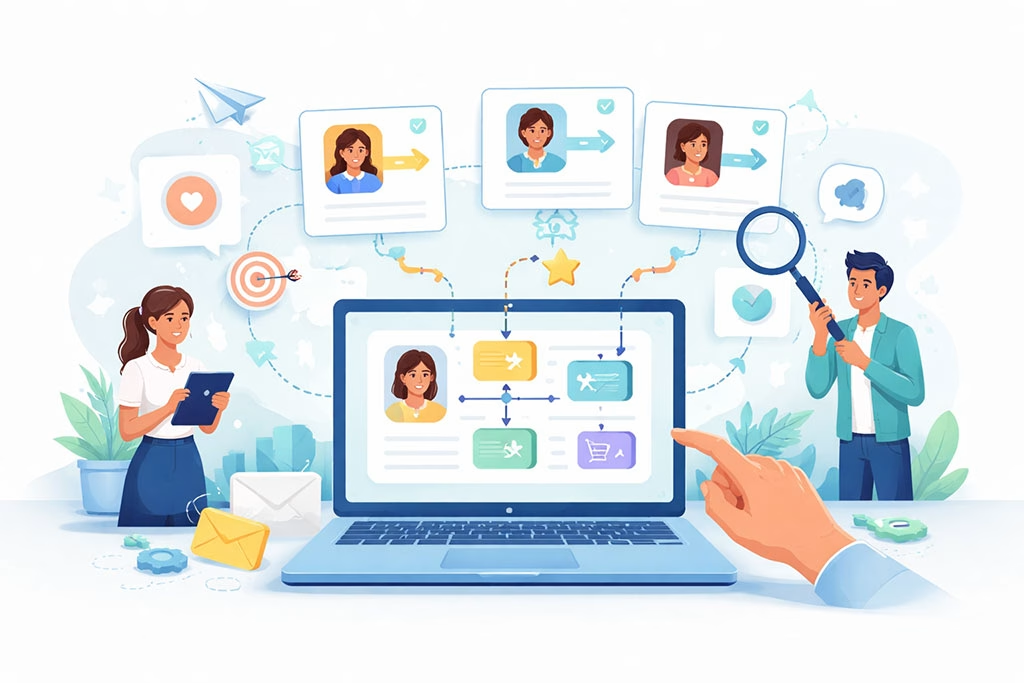
Simply having automation triggers isn’t enough; you need to design compelling and coherent customer journeys that leverage these triggers effectively. This requires strategic thinking and a deep understanding of your customer’s mindset.
Mapping the Journey Flow
Visually map out the entire customer journey, identifying all possible paths and decision points. For each touchpoint, consider what action the customer has taken, what information they need, and what their likely emotional state is. This visual representation will help you identify opportunities for automated touchpoints.
- Pre-Purchase:
- Awareness Stage: Emails providing general information, blog posts, or educational content.
- Consideration Stage: Targeted emails showcasing product benefits, comparisons, or testimonials.
- Decision Stage: Emails with special offers, limited-time discounts, or free trials.
- Purchase:
- Confirmation Email: Immediate and clear confirmation of their order.
- Shipping Updates: Timely notifications about delivery status.
- Post-Purchase:
- Onboarding/Usage Tips: Emails helping them get the most out of their purchase.
- Feedback Requests: Asking for reviews or testimonials.
- Related Product Recommendations: Suggesting complementary items or upgrades.
- Loyalty Program Invitation: Encouraging repeat business through incentives.
Crafting Compelling Email Content
The effectiveness of your personalized journeys hinges on the quality of your email content. Each email must be relevant, valuable, and designed to encourage the next desired action.
- Personalization Beyond the Name:
- Dynamic Content Insertion: Using data points like past purchases, browsing history, or location to tailor images, product recommendations, or offer details within the email.
- Behavioral Segmentation: Grouping customers based on their actions and sending highly specific content to each group.
- Clear Call to Action (CTA):
- Single, Focused CTA: Each email should have one primary goal and a clear, prominent button or link leading to that action.
- Action-Oriented Language: Use strong verbs that compel the customer to interact.
- Value Proposition:
- Benefit-Oriented Messaging: Focus on how your product or service solves a problem or improves their life, rather than just listing features.
- Exclusivity and Urgency: Where appropriate, create a sense of specialness or limited availability to encourage immediate action.
A/B Testing and Optimization
Personalized journeys are not set-it-and-forget-it. Continuous testing and optimization are crucial for maximizing their effectiveness.
- Subject Line Testing: Experiment with different subject lines to improve open rates.
- Content Variation: Test different email copy, images, CTAs, and personalization elements.
- Timing and Frequency: Optimize when and how often emails are sent based on customer response.
- Trigger Conditions: Experiment with different trigger thresholds to find the sweet spot for engagement.
Measuring the Impact of SmartMails Automation
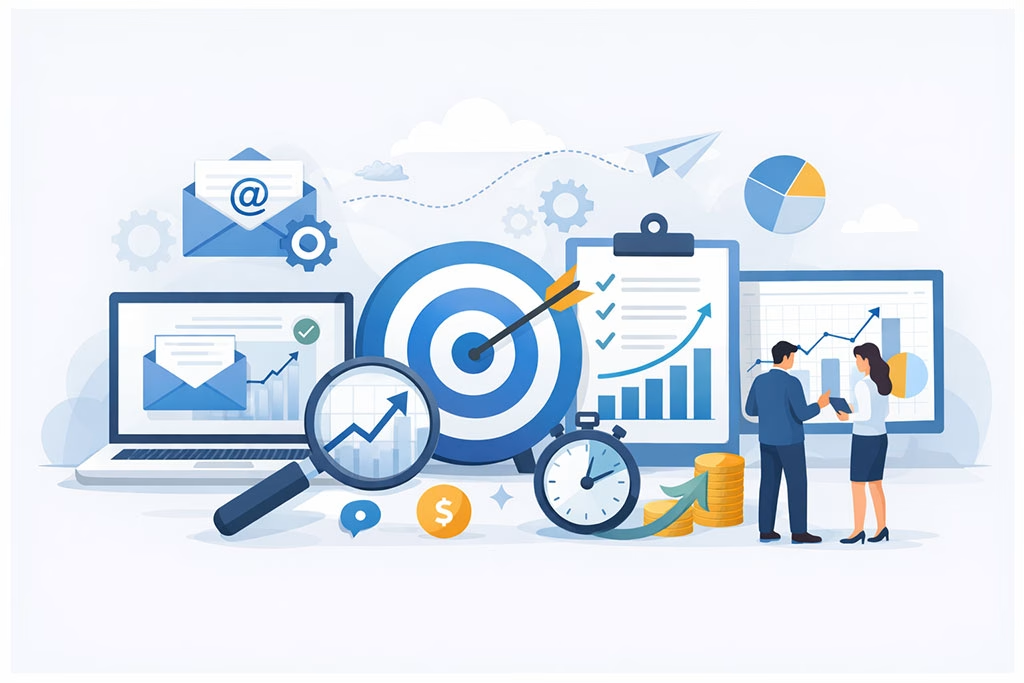
You need to rigorously track the performance of your automated personalized journeys to understand their impact and identify areas for improvement. Data provides the evidence for your strategies and allows for informed adjustments.
Key Performance Indicators (KPIs)
Defining and monitoring relevant KPIs is essential for evaluating the success of your personalized journeys. These metrics will give you a clear picture of what’s working and what needs refinement.
- Open Rate: The percentage of recipients who open your emails. This indicates the effectiveness of your subject line and sender reputation.
- Click-Through Rate (CTR): The percentage of recipients who click on a link within your email. This reflects the relevance and compelling nature of your content and CTA.
- Conversion Rate: The percentage of recipients who complete the desired action (e.g., purchase, sign-up, download) after clicking through from an email. This is often the ultimate measure of success for sales-oriented campaigns.
- Revenue Generated: The direct financial contribution attributed to your automated email campaigns.
- Unsubscribe Rate: The percentage of recipients who opt out of your emails. A high unsubscribe rate indicates issues with content relevance or email frequency.
- Customer Lifetime Value (CLTV): While not exclusively tied to individual emails, improved personalization consistently contributes to a higher CLTV by fostering loyalty and repeat purchases.
Attribution Modeling
Understanding which touchpoints contributed to a conversion is critical. You need to use appropriate attribution models within your analytics platform to accurately credit your SmartMails automation for its role in the customer journey. Did the initial welcome email contribute to brand awareness, while a subsequent abandoned cart email directly led to the purchase? Different models, such as first-touch, last-touch, or multi-touch attribution, can provide varying insights.
Iterative Improvement
The insights you gain from your KPIs and attribution models should fuel an ongoing cycle of improvement. Analyze the data, identify bottlenecks or underperforming segments, and make data-driven adjustments to your triggers, content, and segmentation strategies. This iterative process ensures that your personalized journeys continuously evolve to meet customer expectations and optimize business outcomes. You’re building a dynamic system, not a static set of rules.
In the realm of email marketing, leveraging automation triggers can significantly enhance the personalization of customer journeys, as discussed in the article on using SmartMails Automation Triggers to Personalize Customer Journeys. For those looking to further refine their strategies, you might find valuable insights in a related article about creating a master template for automated RSS campaigns, which explores how to streamline your email processes while maintaining a personalized touch.
Overcoming Challenges in Implementation
| Metrics | Results |
|---|---|
| Open Rate | 25% |
| Click-Through Rate | 12% |
| Conversion Rate | 8% |
| Revenue Generated | 10,000 |
Implementing robust personalized customer journeys with SmartMails automation isn’t without its challenges. You need to anticipate and address these potential hurdles proactively to ensure a smooth and successful rollout.
Data Silos and Integration Issues
One of the most significant obstacles can be fragmented customer data. If your customer data resides in disparate systems (CRM, e-commerce platform, marketing automation, support desk), it becomes difficult to compile a holistic customer profile.
- Unified Customer Profiles: Invest in tools and strategies that allow you to consolidate customer data from all relevant sources into a single, comprehensive view. This might involve robust CRM systems, data lakes, or integration platforms.
- API Integrations: Utilize APIs to connect your SmartMails platform with your other business systems, ensuring seamless data flow and real-time updates for trigger activation.
Content Creation and Management
The demand for personalized content can be substantial. Creating unique and relevant content for every possible segment and trigger can quickly become overwhelming if not managed efficiently.
- Content Templates: Develop modular email templates that allow for easy customization with dynamic content blocks. This reduces the need to build every email from scratch.
- Content Library: Establish a well-organized library of reusable content assets, such as product images, testimonials, FAQs, and calls to action, that can be easily pulled into various email campaigns.
- Dynamic Content Rules: Leverage the advanced features of your SmartMails platform to define rules for automatically displaying specific content based on customer data or behavior, minimizing manual content creation.
Over-Personalization and Creepiness Factor

While personalization is generally beneficial, there’s a fine line between helpful relevance and an uncanny sense of knowing too much. You need to be mindful of crossing into the “creepy” zone.
- Transparency and Consent: Be transparent with your customers about how you use their data and always obtain explicit consent for marketing communications.
- Testing for Sensitivity: Conduct internal reviews and even small-scale customer feedback sessions to gauge reactions to highly personalized emails.
- Focus on Value: Ensure that any personalized message provides clear value to the customer, rather than just demonstrating your data prowess. If a customer feels they are being monitored rather than served, you will erode trust. This is a delicate balance, and you should always prioritize the customer’s comfort and privacy.
By systematically addressing these challenges, you can build and maintain a highly effective SmartMails automation ecosystem that delivers truly personalized customer journeys, fostering loyalty and driving sustainable growth for your business.
FAQs
What is SmartMails Automation Triggers?
SmartMails Automation Triggers are a feature within the SmartMails platform that allows businesses to set up automated actions based on specific customer behaviors or events. This helps personalize customer journeys and improve engagement.
How can SmartMails Automation Triggers be used to personalize customer journeys?
SmartMails Automation Triggers can be used to send personalized emails or messages to customers based on their interactions with a business, such as making a purchase, signing up for a newsletter, or abandoning a shopping cart. This helps businesses tailor their communication to each customer’s specific needs and interests.
What are some examples of Automation Triggers that can be set up with SmartMails?
Examples of Automation Triggers that can be set up with SmartMails include sending a welcome email to new subscribers, triggering a follow-up email after a purchase, or sending a reminder to customers who have abandoned their shopping carts. These triggers help businesses stay connected with their customers at key points in the customer journey.
How does using SmartMails Automation Triggers benefit businesses?
Using SmartMails Automation Triggers benefits businesses by saving time and resources through automated communication, improving customer engagement and satisfaction through personalized messaging, and increasing conversion rates by delivering timely and relevant content to customers.
Can SmartMails Automation Triggers be integrated with other marketing tools and platforms?
Yes, SmartMails Automation Triggers can be integrated with other marketing tools and platforms, allowing businesses to streamline their marketing efforts and create a cohesive customer experience across multiple channels. This integration helps businesses leverage the power of automation triggers in conjunction with their existing marketing strategies.