



Understanding SmartMails Data
SmartMails data consists of information collected from email interactions, including open rates, click-through rates, and engagement metrics. This data provides insights into recipient behavior, enabling organizations to optimize their communication strategies. By analyzing these metrics, companies can make data-driven decisions to improve their email marketing effectiveness.
SmartMails data reveals patterns in audience preferences and behaviors. Analysis of high-performing emails can identify effective content types, subject lines, and messaging approaches. For example, data might show that certain topics consistently generate higher engagement rates than others.
These insights allow organizations to refine their email campaigns based on demonstrated user preferences rather than assumptions, leading to more targeted and successful communication strategies.
Key Takeaways
- SmartMails data can be integrated into apps to enhance user experience and enable personalized content.
- Leveraging SmartMails data allows for targeted marketing and improved customer relationship management.
- Customizing app notifications using SmartMails data increases user engagement and relevance.
- Analyzing SmartMails data provides valuable insights for business decisions and marketing strategies.
- Ensuring secure integration and troubleshooting common sync issues are critical for reliable SmartMails data use.
Integrating SmartMails Data with Your App
Integrating SmartMails data with your application can significantly enhance its functionality and user experience. By connecting your app to SmartMails data, you can create a seamless flow of information that allows for real-time updates and personalized content delivery. This integration can be achieved through APIs that facilitate communication between your app and the SmartMails platform.
By leveraging these APIs, you can pull in relevant data that informs user interactions and enhances overall engagement. Additionally, integrating SmartMails data allows you to automate various processes within your app. For example, you can set up triggers that send notifications or updates based on user behavior captured in the SmartMails data.
If a user opens an email but does not click through to your app, you can send a follow-up notification encouraging them to explore further. This level of integration not only streamlines communication but also fosters a more engaging user experience by providing timely and relevant information.
Enhancing User Experience with SmartMails Data


The user experience is paramount in any application, and SmartMails data can play a crucial role in enhancing it. By analyzing user interactions with your emails, you can tailor the content and features of your app to better meet their needs. For instance, if you notice that a particular segment of users frequently engages with specific types of content, you can prioritize similar offerings within your app.
This targeted approach ensures that users feel valued and understood, ultimately leading to increased satisfaction and loyalty. Furthermore, SmartMails data enables you to create personalized experiences for each user. By leveraging insights from their email interactions, you can customize the app interface, recommend relevant content, and even adjust communication styles based on user preferences.
This level of personalization not only improves user engagement but also fosters a sense of connection between the user and your brand. When users feel that their preferences are acknowledged and catered to, they are more likely to remain active within your app.
Leveraging SmartMails Data for Personalization
Personalization is a powerful tool in today’s digital landscape, and SmartMails data provides the foundation for effective personalized marketing strategies. By analyzing user behavior and preferences derived from email interactions, you can create tailored experiences that resonate with individual users. For example, if a user consistently clicks on emails related to specific products or services, you can highlight those offerings within your app or send targeted promotions that align with their interests.
Moreover, personalization extends beyond just product recommendations; it encompasses the entire user journey. By utilizing SmartMails data, you can craft personalized onboarding experiences for new users based on their previous interactions with your emails. This could involve guiding them through features that align with their interests or providing them with curated content that enhances their understanding of your app.
Such tailored experiences not only improve user satisfaction but also increase the likelihood of conversion and retention.
Utilizing SmartMails Data for Targeted Marketing
| Webhook Response Time | Time taken for the app to acknowledge SmartMails webhook | 150 | ms |
| Data Sync Frequency | How often SmartMails sends data updates via webhooks | Real-time | Event-driven |
| Payload Size | Average size of data sent in each webhook call | 2.5 | KB |
| Retry Attempts | Number of retries if webhook delivery fails | 3 | Attempts |
| Successful Sync Rate | Percentage of webhook calls successfully processed | 98.7 | % |
| Data Types Synced | Types of SmartMails data synced via webhooks | Emails, Contacts, Campaign Stats | Categories |
| Security Protocol | Method used to secure webhook data transmission | HMAC SHA256 Signature | Protocol |
Targeted marketing is essential for maximizing the effectiveness of your campaigns, and SmartMails data serves as a valuable resource in this regard. By segmenting your audience based on their email engagement metrics, you can create highly targeted marketing strategies that resonate with specific groups.
For instance, if you identify a segment of users who frequently engage with promotional emails but have not made a purchase recently, you can design a campaign specifically aimed at re-engaging them with enticing offers.
Additionally, SmartMails data allows you to refine your messaging based on user behavior. If certain email campaigns yield higher engagement rates than others, you can analyze the elements that contributed to their success and replicate those strategies in future campaigns. This iterative approach ensures that your marketing efforts are continually optimized for better results.
By leveraging SmartMails data for targeted marketing, you not only increase the chances of conversion but also build stronger relationships with your audience.
Syncing SmartMails Data with Customer Relationship Management
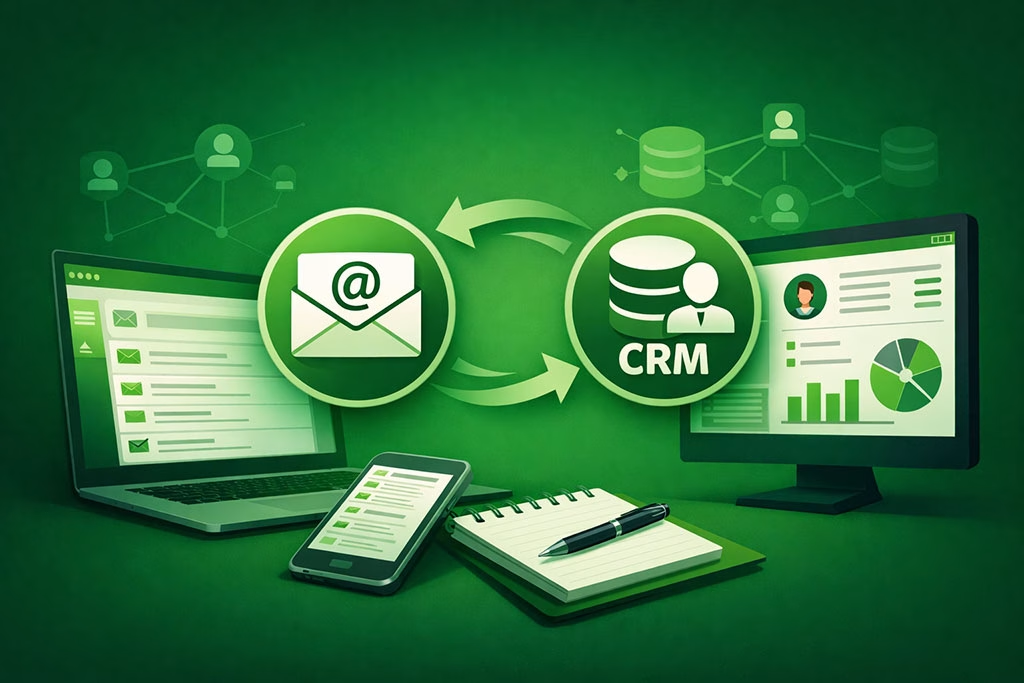
Integrating SmartMails data with your Customer Relationship Management (CRM) system is a strategic move that can enhance your overall marketing efforts. By syncing these two platforms, you create a comprehensive view of each customer’s journey, allowing for more informed decision-making and personalized interactions. This integration enables you to track how users engage with your emails alongside their interactions within your app or website, providing a holistic understanding of their behavior.
Moreover, syncing SmartMails data with your CRM allows for better segmentation and targeting of your audience. You can categorize users based on their email engagement levels and tailor your outreach accordingly. For instance, if a user has opened multiple emails but has not yet converted into a customer, you can initiate targeted follow-ups through your CRM system to encourage them to take action.
This level of integration not only streamlines communication but also enhances the effectiveness of your marketing strategies.
Customizing SmartMails Data for App Notifications
Customizing notifications within your app using SmartMails data can significantly enhance user engagement and retention. By analyzing user behavior captured in email interactions, you can create tailored notifications that resonate with individual users. For example, if a user frequently engages with content related to specific topics or products, you can send them notifications about new arrivals or updates in those areas.
This personalized approach ensures that users receive relevant information that keeps them engaged with your app. Additionally, customizing notifications based on SmartMails data allows you to optimize timing and frequency. By understanding when users are most likely to engage with your emails, you can schedule notifications accordingly to maximize impact.
For instance, if data shows that users tend to open emails in the evening, sending notifications during that time frame may yield better results. This strategic approach not only enhances user experience but also increases the likelihood of conversions.
Analyzing SmartMails Data for Insights and Analytics
Analyzing SmartMails data is crucial for gaining insights into user behavior and optimizing your marketing strategies accordingly. By diving deep into metrics such as open rates, click-through rates, and conversion rates, you can identify trends and patterns that inform future campaigns. For instance, if certain subject lines consistently lead to higher open rates, you can replicate those strategies in upcoming emails to boost engagement.
Furthermore, leveraging analytics tools to visualize SmartMails data can provide a clearer picture of user interactions over time. By creating dashboards that track key performance indicators (KPIs), you can monitor the effectiveness of your email campaigns and make data-driven decisions. This analytical approach not only helps in identifying successful strategies but also highlights areas for improvement, ensuring that your marketing efforts are always evolving.
Securing SmartMails Data Integration
As with any data integration process, ensuring the security of SmartMails data is paramount. Protecting sensitive information should be a top priority when integrating this data into your application or CRM system. Implementing robust security measures such as encryption protocols and secure access controls will help safeguard against unauthorized access and potential breaches.
Additionally, it is essential to stay compliant with relevant regulations regarding data privacy and protection. Familiarizing yourself with laws such as GDPR or CCPA will ensure that you handle user data responsibly and transparently. By prioritizing security in your SmartMails data integration efforts, you not only protect your users but also build trust in your brand.
Troubleshooting Common Issues with SmartMails Data Sync
While integrating SmartMails data into your application can yield significant benefits, it is not without its challenges. Common issues may arise during the syncing process, such as discrepancies in data or connectivity problems between platforms. To address these challenges effectively, it is crucial to establish a systematic troubleshooting process.
Start by regularly monitoring the synchronization process to identify any anomalies or errors promptly. Implementing logging mechanisms can help track issues as they arise and provide insights into potential solutions. Additionally, maintaining open lines of communication with support teams from both the SmartMails platform and your app’s development team will facilitate quicker resolutions to any problems encountered during integration.
Future Trends in SmartMails Data Integration
As technology continues to evolve, so too will the landscape of SmartMails data integration. One emerging trend is the increasing use of artificial intelligence (AI) and machine learning (ML) algorithms to analyze user behavior more effectively. These technologies will enable marketers to predict user preferences and tailor communications even further based on real-time insights derived from SmartMails data.
Another trend is the growing emphasis on omnichannel marketing strategies that leverage multiple touchpoints for user engagement. As consumers interact with brands across various platforms—be it email, social media, or mobile apps—integrating SmartMails data across these channels will become increasingly important for creating cohesive experiences. By staying ahead of these trends and adapting your strategies accordingly, you can ensure that your use of SmartMails data remains relevant and effective in an ever-changing digital landscape.
In addition to exploring how to sync SmartMails data with your app using webhooks in “Beyond the Inbox,” you might find the article on the impact of mobile phone bans in schools particularly interesting. It discusses the ongoing debate between schools and parents regarding the use of mobile devices, which can be relevant when considering how to effectively communicate with users through apps. You can read more about this topic in the article here.