


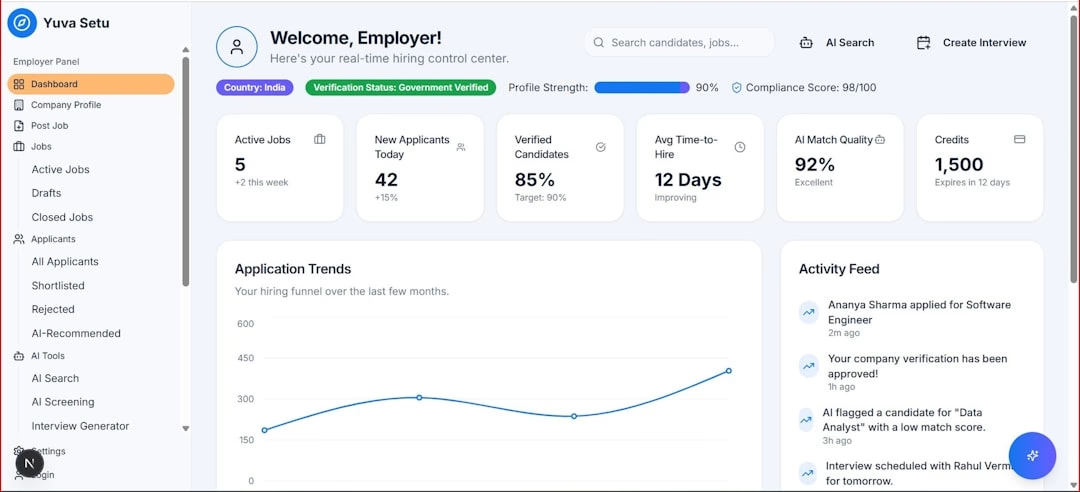
You’ve poured your heart and soul into your email campaigns. You’ve crafted compelling subject lines, designed visually stunning templates, and segmented your audience with meticulous precision. But once those emails hit inboxes, what then? Are you truly understanding the impact of your efforts, or are you drowning in a sea of disjointed data, struggling to connect the dots between your sends and your overall marketing goals? If you’re nodding your head in recognition, then you, my friend, are precisely who needs to understand the paramount importance of a unified email performance dashboard.
The Fragmented Reality of Email Marketing Data
Before we delve into the solution, let’s acknowledge the problem. You’re likely pulling data from various sources: your ESP’s native reporting, Google Analytics for website traffic, CRM for lead nurturing stages, and maybe even a social media analytics platform to see how your email content is being shared. Each platform offers its own slice of the pie, but none provides the complete picture. You spend countless hours exporting CSVs, painstakingly creating pivot tables, and trying to reconcile discrepancies between different metrics. This isn’t just inefficient; it’s a significant barrier to informed decision-making and strategic growth.
You might think your current reporting system is “good enough.” You get the open rates, click-through rates, and bounce rates from your ESP, and you can usually see conversions in your analytics platform. But “good enough” rarely leads to greatness.
The Time Drain of Manual Data Aggregation
You know the drill. It’s Monday morning, and you’re faced with a mountain of data to compile. You open your ESP, export campaign reports, then log into Google Analytics to pull website traffic data related to those campaigns. Then it’s off to the CRM to see how many leads originated from specific email blasts. This isn’t just a repetitive task; it’s a significant drain on your valuable time – time that could be spent on strategy, content creation, or A/B testing.
- Lost Productivity: Every hour spent on manual data aggregation is an hour not spent on optimizing campaigns or developing new strategies.
- Human Error: The more manual steps involved, the higher the likelihood of mistakes in data entry, formula errors, or misinterpretations.
- Delayed Insights: By the time you’ve manually compiled and analyzed the data, some of the insights might already be stale, preventing you from reacting quickly to emerging trends.
The Blurry Picture of Campaign Performance
When you’re looking at isolated metrics, it’s like trying to understand an entire conversation by only hearing individual words. An excellent open rate doesn’t necessarily mean a successful campaign if the click-through rate is abysmal, or if those clicks don’t translate into conversions. Conversely, a seemingly low open rate might be perfectly acceptable if it’s targeting a highly niche, qualified segment that consistently converts at a high rate. Without a unified view, you lack the context to truly interpret performance.
- Misleading Metrics: High vanity metrics (like open rates) can mask underlying issues if not viewed in conjunction with engagement and conversion metrics.
- Lack of Holistic Understanding: You struggle to see the entire customer journey, from email interaction to website visit, to conversion, and beyond.
- Difficulty in Ascribing Value: It becomes challenging to definitively prove the ROI of your email marketing efforts when you can’t connect email performance directly to business outcomes.
The Stifled Growth of Your Marketing Strategy
Without a clear, comprehensive understanding of your email performance, your strategic decisions are based on incomplete information. You might be doubling down on tactics that aren’t truly effective or overlooking opportunities for optimization because the necessary data isn’t readily available or easily consumable. This can lead to stagnation in your email marketing program.
- Ineffective Resource Allocation: You might be allocating budget and effort to campaigns that aren’t delivering the desired results.
- Missed Optimization Opportunities: Without identifying bottlenecks in the email funnel, you miss chances to improve engagement and conversions.
- Slow Iteration: The inability to quickly analyze and react to campaign performance hinders your ability to rapidly test, learn, and iterate your strategies.
In the context of understanding the importance of unified email performance dashboards for marketing teams, it is also beneficial to explore the concept of A/B testing in email marketing. A/B testing allows teams to experiment with different elements of their email campaigns to determine what resonates best with their audience. For a deeper dive into this topic, you can read the article on A/B testing here: What is A/B Testing in Email Marketing?. This knowledge complements the insights gained from utilizing performance dashboards, ultimately leading to more effective email marketing strategies.
The Transformative Power of a Unified Email Performance Dashboard
Imagine a single, intuitive interface where all your critical email marketing data resides, updated in real-time, and presented in a way that makes immediate sense. This isn’t a pipe dream; it’s the reality a unified email performance dashboard offers you.
Real-Time, Comprehensive Data at Your Fingertips
No more waiting for end-of-month reports or painstakingly compiling data. A unified dashboard pulls information from all your connected sources – your ESP, CRM, analytics platform, and more – displaying it in a cohesive, always-current view. You can see how your latest campaign is performing right now, not hours or days later.
- Instant Insights: Gain immediate visibility into key metrics, allowing for swift adjustments and optimizations.
- Elimination of Data Silos: Break down the barriers between different platforms, creating a single source of truth for your email marketing data.
- Enhanced Agility: React quickly to campaign performance, audience behavior, and market trends with up-to-the-minute information.
Holistic Campaign Performance Evaluation
This is where the magic truly happens. Instead of looking at open rates in one tab and conversions in another, a unified dashboard allows you to see the entire performance funnel at a glance. You can track a specific campaign from its initial send, through opens and clicks, all the way to website visits, lead form submissions, and ultimately, sales. This holistic view enables you to understand not just what is happening, but why.
- End-to-End Journey Mapping: Visualize the complete path your subscribers take from email receipt to conversion.
- Attribution Clarity: Better understand which emails and campaigns are driving the most valuable actions, helping you attribute revenue more accurately.
- Contextualized Metrics: View individual metrics within the broader context of your campaign goals, making their significance far clearer.
Informed Strategic Decision-Making and Optimization
With all your data in one place and presented clearly, you are empowered to make strategic decisions based on solid evidence, not guesswork. You can quickly identify which subject lines are most effective, which content resonates best with specific segments, which CTAs drive the most clicks, and which campaigns are delivering the highest ROI. This leads to continuous improvement and more effective email marketing.
- Data-Driven A/B Testing: Identify clear areas for experimentation based on performance gaps and track the impact of your tests in real-time.
- Segment-Specific Insights: Understand how different audience segments respond to your emails, allowing for more personalized and effective targeting.
- Budget Optimization: Allocate your email marketing budget more effectively by investing in strategies and campaigns that consistently deliver superior results.
Key Features to Look for in a Unified Email Performance Dashboard
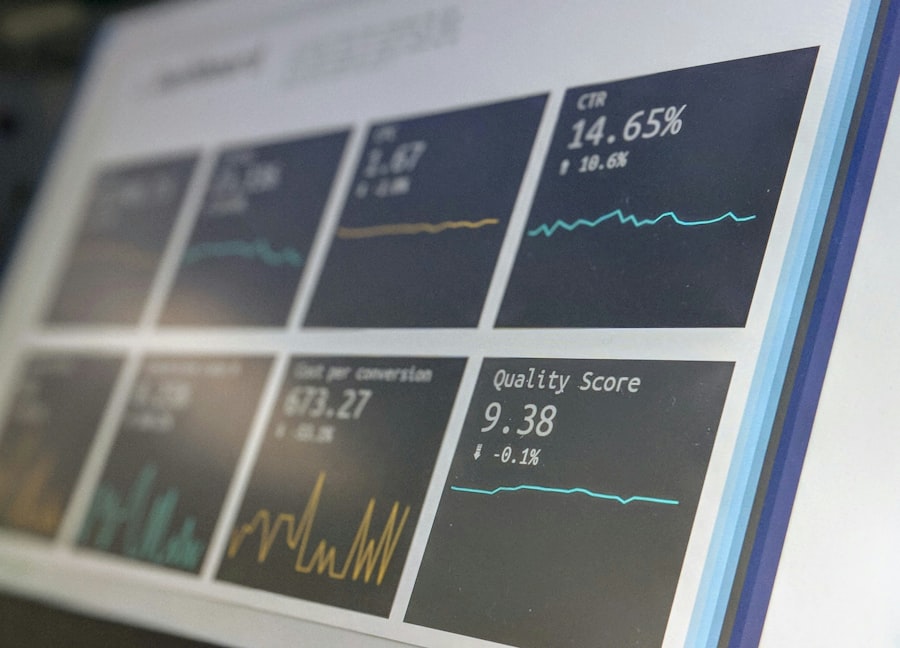
Not all dashboards are created equal. As you consider implementing a unified solution, you’ll want to ensure it possesses certain critical features to maximize its value to your marketing team.
Seamless Integrations with Your Existing Tech Stack
A dashboard is only as powerful as its connections. You need a solution that can effortlessly pull data from all your essential tools.
- Email Service Provider (ESP) Integration: This is non-negotiable. It should connect to popular ESPs like Mailchimp, HubSpot, Salesforce Marketing Cloud, Braze, etc., to pull core email metrics.
- CRM Integration: Crucial for linking email activity to lead status, sales pipeline, and customer lifetime value.
- Web Analytics (e.g., Google Analytics): Essential for understanding website traffic, user behavior, and conversions originating from email.
- Other Marketing Platforms (Optional but Valuable): Consider integrations with social media analytics, ad platforms, or survey tools if those are integral to your email strategy.
Customizable Dashboards and Reporting
Your team has unique reporting needs. A one-size-fits-all dashboard won’t cut it. You need the flexibility to tailor the view to your specific goals and roles.
- Drag-and-Drop Widgets: Easily add, remove, and rearrange data visualizations to create a personalized view.
- Role-Based Views: Create different dashboards for different team members (e.g., a high-level overview for leadership, a detailed campaign performance view for email specialists).
- Custom Metric Creation: Define and track unique metrics that are specific to your business objectives.
- Scheduled Reporting: Automate the delivery of key reports to stakeholders, ensuring everyone is kept informed without manual effort.
Powerful Visualization and Trend Analysis
Raw numbers can be overwhelming. A good dashboard transforms data into actionable insights through intuitive visualizations.
- Interactive Charts and Graphs: Visualize trends in open rates, click-through rates, conversion rates, and revenue over time.
- Heatmaps and Funnel Visualizations: Understand where subscribers drop off in your email journey or website funnel.
- Comparison Tools: Easily compare the performance of different campaigns, segments, or time periods.
- Anomaly Detection: Automatically highlight unusual spikes or drops in performance that warrant further investigation.
Advanced Segmentation and Drill-Down Capabilities
Your email audience is diverse. Your dashboard should reflect that by allowing you to segment data and dig deeper into specific areas.
- Audience Segmentation: Analyze how different demographic groups, lead stages, or customer segments respond to your emails.
- Campaign-Specific Drill-Down: Click on a specific campaign to view its detailed performance metrics, A/B test results, and associated revenue.
- Content Performance Analysis: Understand which specific links, images, or content blocks within your emails are driving the most engagement.
Performance Benchmarking and Goal Tracking
How do you know if your current performance is “good”? Benchmarking provides context, and goal tracking keeps you focused.
- Historical Performance Comparison: Compare current campaign performance against past periods or your overall average.
- Industry Benchmarks (if available): Gauge your performance against industry standards to identify areas of strength and weakness.
- Goal Setting and Tracking: Define specific email marketing goals (e.g., increase conversion rate by 10%) and track your progress directly within the dashboard.
Implementing Your Unified Email Performance Dashboard
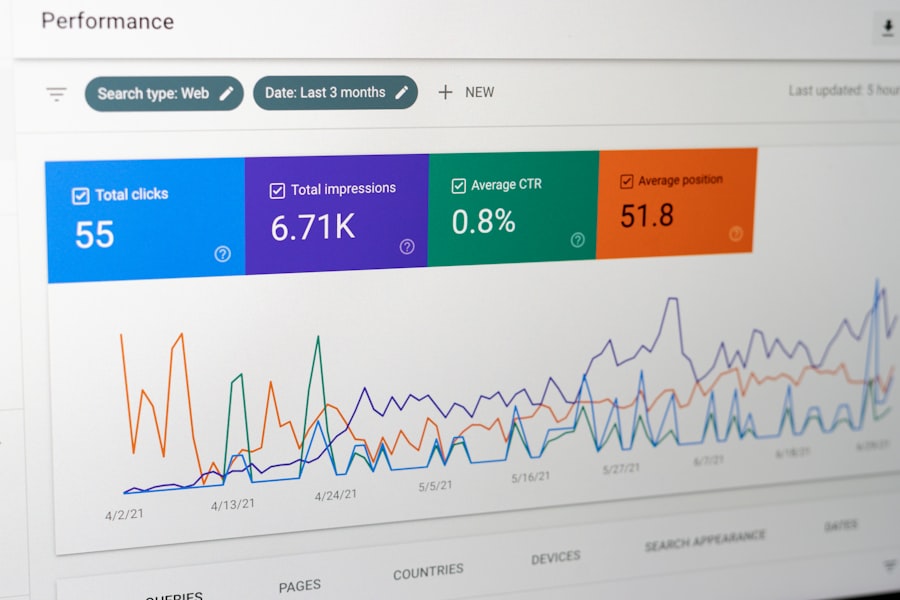
You’re convinced. You understand the necessity. Now, how do you go about bringing this transformative tool to your marketing team?
Define Your Key Performance Indicators (KPIs)
Before you even start looking at software, you need to be crystal clear on what success looks like for your email marketing. What metrics truly matter to your business?
- Engagement Metrics: Open Rate, Click-Through Rate (CTR), Bounce Rate, Unsubscribe Rate.
- Conversion Metrics: Conversion Rate (email to lead, email to sale), Revenue per Email, Lead Quality.
- Delivery Metrics: Deliverability Rate, Spam Complaint Rate.
- Subscriber Metrics: List Growth Rate, Churn Rate.
Choose the Right Dashboard Solution
There’s a growing ecosystem of business intelligence and marketing analytics platforms. Research thoroughly to find one that fits your budget, technical capabilities, and integration needs.
- Dedicated Marketing Analytics Platforms: Solutions like Funnel.io, Supermetrics, or Whatagraph specialize in marketing data aggregation.
- General Business Intelligence (BI) Tools: Tableau, Power BI, or Looker Studio (Google Data Studio) offer broad data visualization capabilities and can be customized for email marketing.
- Your ESP’s Enhanced Reporting: Some advanced ESPs now offer more sophisticated dashboarding features.
- Custom Solutions: For very specific needs, you might consider working with a developer to build a custom dashboard using APIs.
Integrate and Configure Your Data Sources
| Metrics | Importance |
|---|---|
| Email open rate | Measure the effectiveness of subject lines and content |
| Click-through rate | Indicates the engagement level and interest in the content |
| Conversion rate | Shows the effectiveness of email campaigns in driving actions |
| Bounce rate | Identifies issues with email deliverability and list quality |
| Unsubscribe rate | Measures the level of disengagement and content relevance |
This is often the most technical step. You’ll connect your chosen dashboard to your ESP, CRM, analytics platform, and any other relevant data sources.
- API Keys and Permissions: Ensure you have the necessary access credentials for all platforms.
- Data Mapping: Carefully map fields from different sources to ensure consistent data interpretation within your dashboard.
- Data Refresh Schedules: Set up automated data refreshes to keep your dashboard current.
Train Your Team and Foster Adoption
A powerful tool is useless if your team doesn’t know how to use it or doesn’t see its value.
- Provide Comprehensive Training: Walk your team through the dashboard, explaining how to interpret different visualizations and extract insights.
- Highlight the “Why”: Emphasize how the dashboard will make their jobs easier, improve campaign performance, and contribute to overall business success.
- Encourage Experimentation: Create a culture where team members feel empowered to explore the data and uncover new insights.
- Gather Feedback: Continuously solicit input from your team to refine and improve the dashboard over time.
In the ever-evolving landscape of digital marketing, understanding the intricacies of email performance is crucial for teams aiming to enhance their strategies. A related article discusses how custom API integrations can provide businesses with a competitive edge by streamlining their data processes. By exploring this topic, you can gain insights into how these integrations complement the need for unified email performance dashboards. For more information, check out the article on unlocking competitive advantage with custom API integrations.
The Future of Your Email Marketing, Unified
You’ve invested significantly in your email marketing program, and it’s time for your reporting to catch up. A unified email performance dashboard isn’t just a nice-to-have; it’s a strategic imperative. It empowers your marketing team to move beyond fragmented data, gain profound insights, and make truly data-driven decisions that propel your email campaigns – and your overall marketing efforts – to unprecedented levels of success. By adopting this unified approach, you’ll unlock the full potential of your email marketing, transforming it from a collection of sends into a powerful, measurable, and highly effective revenue-generating engine. The future of your email marketing success starts with a unified view.
FAQs
What is a unified email performance dashboard?
A unified email performance dashboard is a tool that allows marketing teams to track and analyze the performance of their email marketing campaigns in one centralized platform. It provides insights into key metrics such as open rates, click-through rates, conversion rates, and overall campaign performance.
Why do marketing teams need unified email performance dashboards?
Unified email performance dashboards provide marketing teams with a comprehensive view of their email marketing efforts, allowing them to make data-driven decisions and optimize their campaigns for better results. It also helps in identifying trends, understanding customer behavior, and improving overall email marketing strategy.
What are the benefits of using unified email performance dashboards?
Some of the benefits of using unified email performance dashboards include improved visibility into email campaign performance, better understanding of customer engagement, ability to track and measure key metrics, and the ability to make informed decisions to optimize email marketing efforts.
How can unified email performance dashboards help in improving collaboration within marketing teams?
Unified email performance dashboards provide a centralized platform for marketing teams to collaborate and share insights on email marketing performance. It allows team members to access real-time data, collaborate on campaign strategies, and align their efforts towards common goals.
What are some key features to look for in a unified email performance dashboard?
Key features to look for in a unified email performance dashboard include customizable reporting and analytics, integration with email marketing platforms, real-time data updates, visualization tools, and the ability to track and measure key performance indicators.